Uncomplicated
Digital Signage
Show content on any number of screens.
Use any displays, including those you already have.
Features
What is Bohemica Signage?
Bohemica Signage is a web-based application that lets you upload, store, and distribute media content across screens.
- Playlists
- Plan what comes after what. Add conditions, such as playing only on weekdays. Playlists are perfectly synchronized across all screens.
- Media library
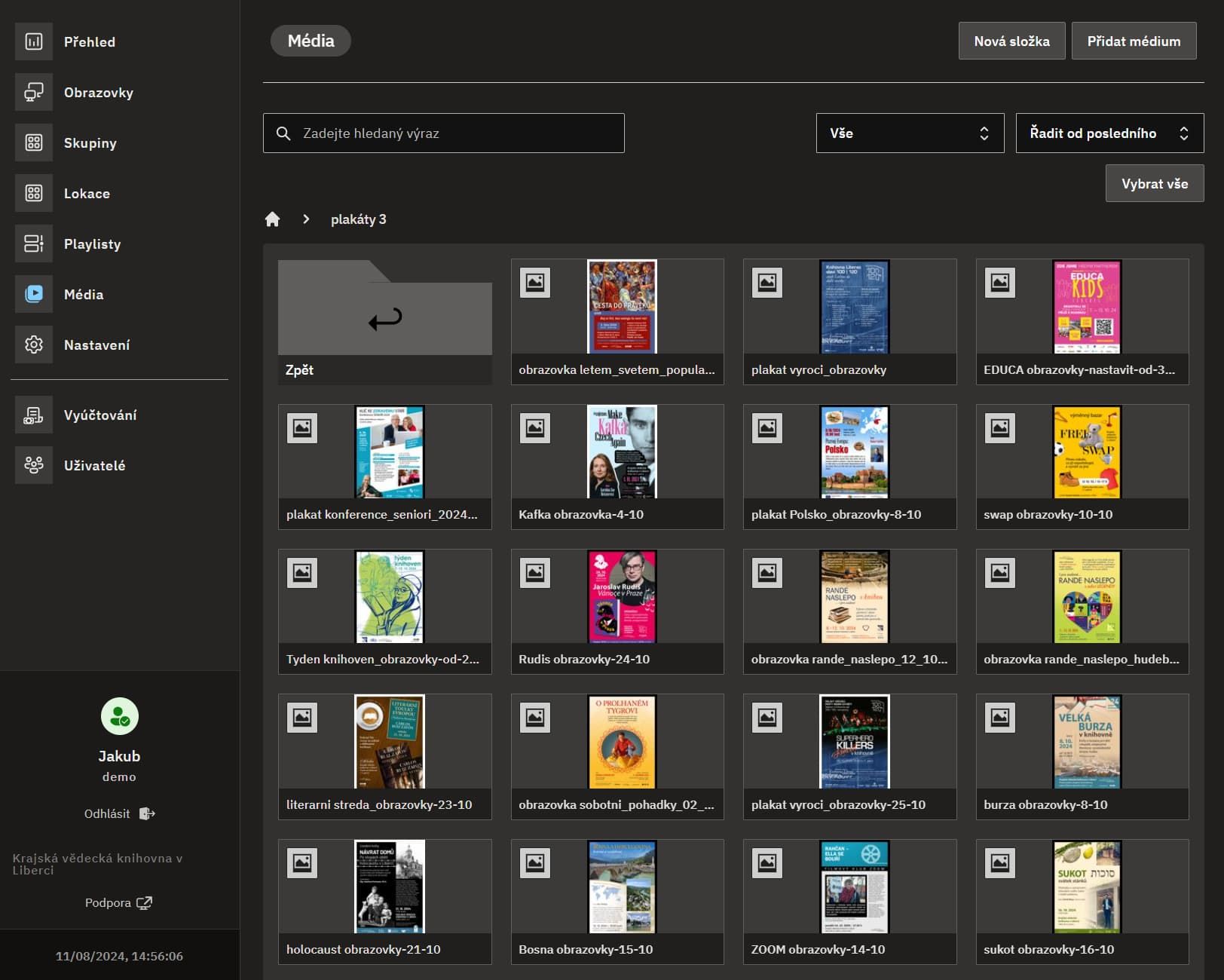
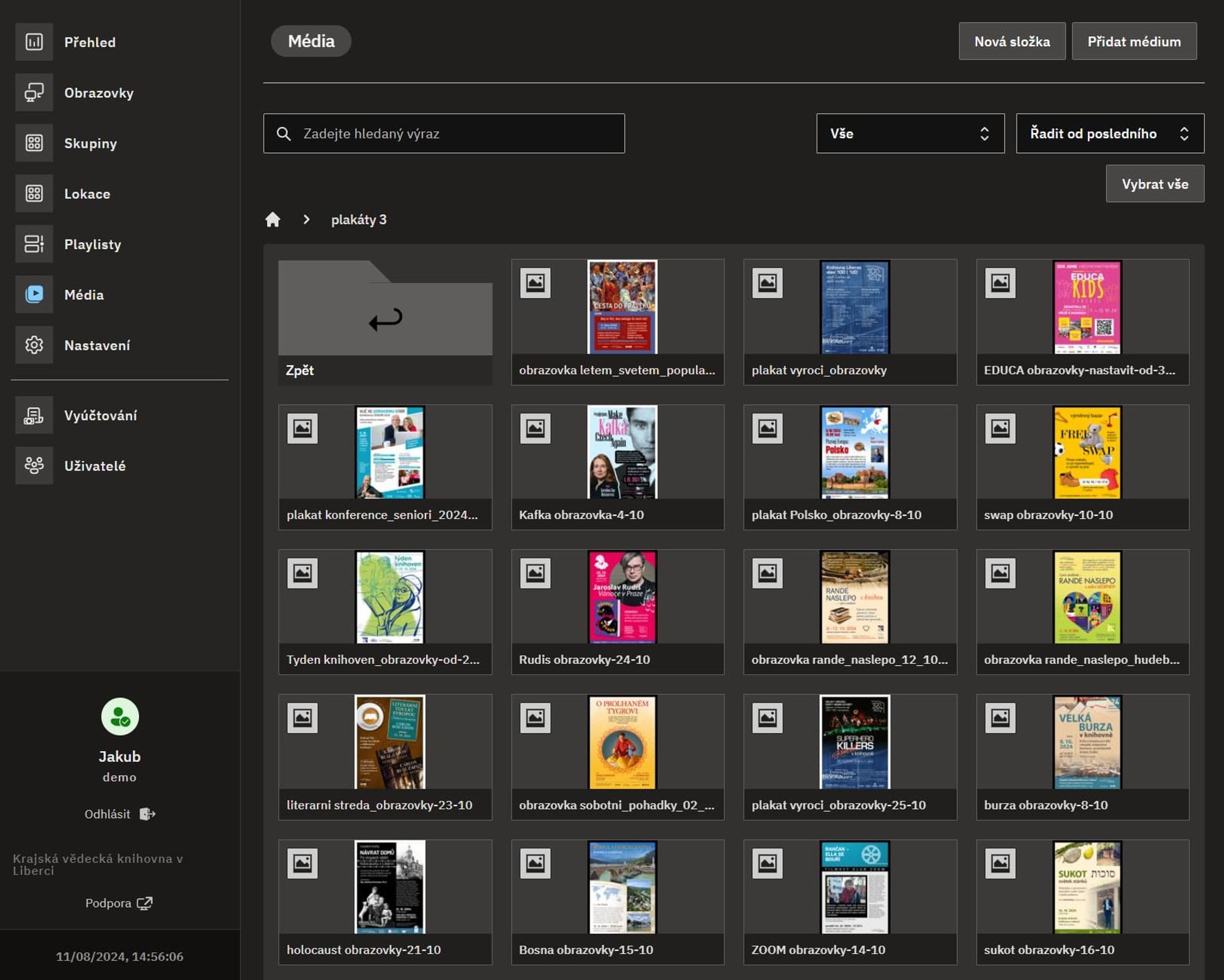
- Upload and store videos and images. We ensure that every uploaded video plays smoothly.
- Display grouping
- Group your displays together and apply a playlist to each group.
- Store hours planner
- Let your displays sleep outside of opening hours. Our player application sends smart signals to control the TV via HDMI.
Pricing
Usage-based pricing
Your first display is on us. After that, we invoice you monthly based on the number of active displays. Calculate your price.
1 display
Free
The perfect plan if you're just getting started with our product.
- 1 display for free
- Limited storage
- All features included
Multiple displays
Starts at $5.5 per display
This plan is great for expanding your Digital Signage.
- Unlimited displays
- Sufficient storage
- Direct support channel
- All features included
Enterprise & Whitelabel
Custom
If you have custom requirements we can adjust it for you.
- Dev team at your service
- Custom billing options
- Custom features
“Having more than 100 displays can be challenging. Now we can upload the advertisements once and have them displayed everywhere, exactly when and how we want them to be.”
Contact
Contact us
Have a question about our products or want a custom solutions?
Contact us and we will be happy to help you.
FAQ
Questions?
Find answers to the most frequently asked questions or learn much more in our help center
What is Bohemica Signage?
Think of it as a control room for your remote digital screens. Upload videos and images, create playlists, and group screens — all within a web-based cloud application.
Is it easy to set up?
Even with no previous experience, you can easily set up both hardware and software. Expect an uncomplicated, step-by-step process.
What do I need to start?
For every screen you want to operate (i.e., show content on), you will need a “player” — an inexpensive, low-end PC. Check the full FAQ page for minimal requirements. Then, download our digital signage software onto that PC.
Does it run on a Raspberry Pi?
Yes! And we encourage you to use the latest Raspberry Pi 5 with at least 4GB of RAM.